
LiteLLM sends AI requests. Conduct decides which ones shouldn't be sent.
If you use LiteLLM already, you have a router. Plug Conduct into it and you have a policy layer that runs before every request — without changing anything else about your setup.
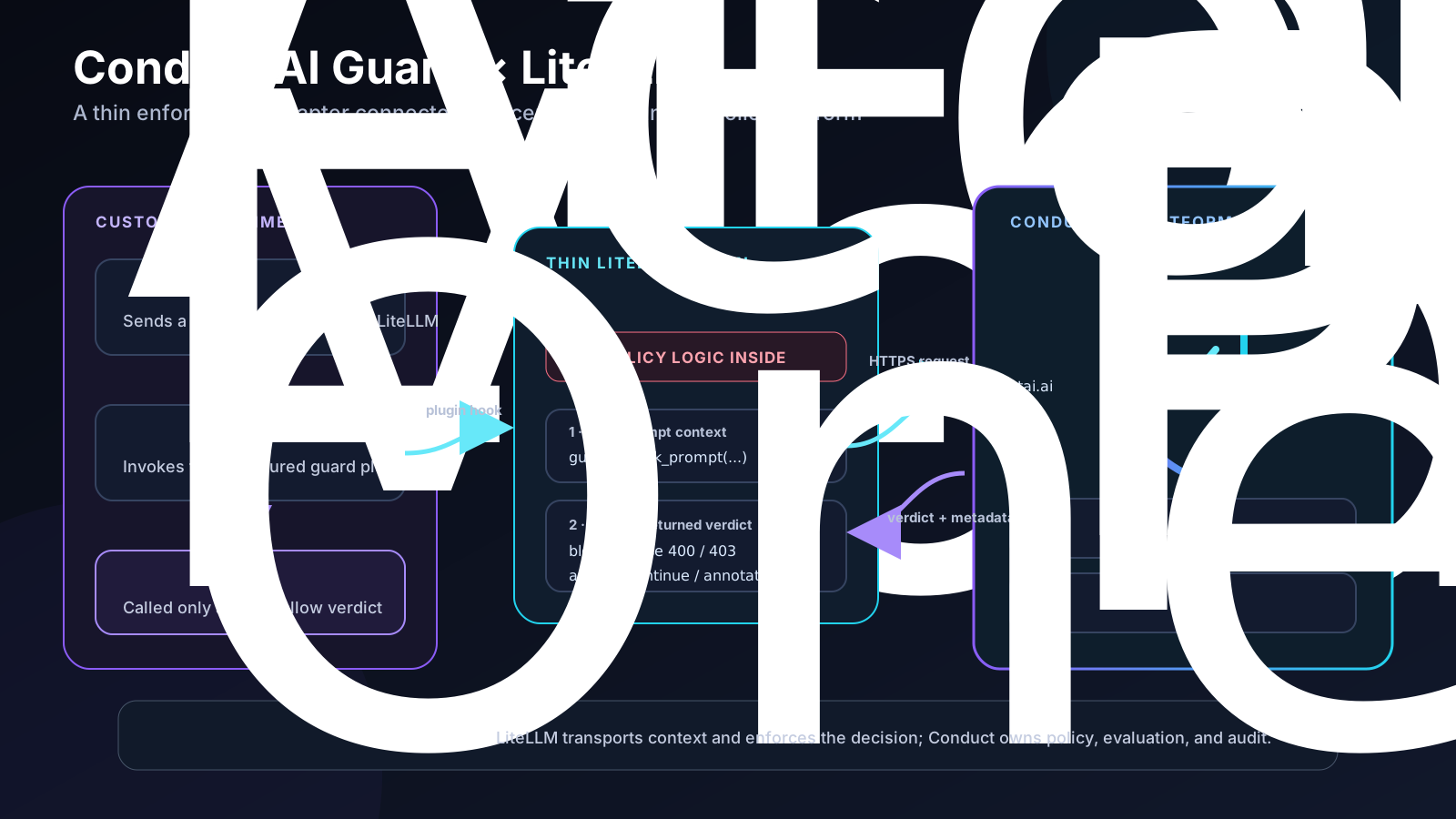
LiteLLM proxy with guardrail: conduct blocking a policy-violating request in real time.
What LiteLLM does
LiteLLM is the middleman between your code and the model providers. Your app says “call an AI”; LiteLLM figures out whether that means OpenAI, Claude, Gemini, or a fallback if the first one is down. It tracks how much you spent. It handles rate limits. It is very good at that job.
But LiteLLM doesn't decide whether the request should happen at all. That's the gap Conduct fills.
What Conduct adds
Conduct plugs into LiteLLM as a guardrail. Every request LiteLLM is about to send goes through Conduct first. Conduct checks it against your policy rules and answers: yes send it, send it with a warning, or no, don't send it.
Six things you can't do with LiteLLM alone but you can do with Conduct plugged in:
1. Stop bad requests before they reach the model.
Someone tries to make your agent leak credentials or exfil data. LiteLLM ships the request and pays for it. Conduct blocks it with a specific rule id so the developer knows why and how to fix it. Same pattern for prompt-injection attempts, unsafe tool-call arguments, or anything else your policy calls out.
2. Enforce spending limits as a hard block, not just a report.
LiteLLM tracks that developer X spent $50 this month. That's a report. Conduct is what actually stops their next request when they cross the workspace or per-developer cap you configured. LiteLLM knows what happened. Conduct changes what happens next.
3. Write your own rules.
“Every prompt from the finance team must be blocked if it mentions a customer name.” LiteLLM has no place to express that. Conduct is a policy engine — you write the rule once in YAML, it enforces on every call. Ship it to your whole team by pushing to the workspace policy repo.
4. See what happened in one triage view.
LiteLLM writes logs. Conduct dedups them into an Inbox: this rule fired 247 times this week, mostly from three developers, click here to see the prompts and resolve. One place your security lead checks in the morning instead of grepping log files.
5. Prove what happened — cryptographically.
Every audit event Conduct writes is chained to the previous one with a hash. If somebody edits history, chain verification fails and Conduct tells you the exact row where it broke. LiteLLM's logs don't do that. Auditors care about this. So do you the day something goes wrong and the question is who deleted what.
6. Same rules everywhere.
Conduct also runs as a proxy in front of raw LLM calls, as an MCP hook for Claude Code and Cursor, and as a CLI. The rule you write for LiteLLM is the same rule that catches the same request in a developer's terminal. LiteLLM covers one surface. Conduct covers all of them from one policy.
Turning it on
Install the plugin:
pip install conduct-litellm-guard>=0.2.5
Add this block to your LiteLLM config:
guardrails:
  - guardrail_name: conduct
    litellm_params:
      guardrail: conduct
      mode: pre_call
      api_key: os.environ/CONDUCT_AGENT_TOKEN
      api_base: os.environ/CONDUCT_API_URL
      workspace_id: os.environ/CONDUCT_WORKSPACE_ID
      timeout: 8.0
      unreachable_fallback: fail_closed
Restart LiteLLM. Done. Every request now runs through your policy before it leaves your network.
If you were already using our plugin
Upgrade to 0.2.5. Older versions had a bug where a config setting could silently do the opposite of what you configured. The new version refuses to install if you're on the broken one.
pip install --upgrade "conduct-litellm-guard>=0.2.5"
What's next
Same integration coming for NeMo Guardrails and Guardrails-AI. Same rules, one policy layer, wherever your team put their model traffic.